twd-relay · optional
Watch your agent test in your own browser.
Your agent runs TWD tests headlessly by default. Add twd-relay when you want to see them run live in the tab you already have open — for pairing, demos, or understanding a tricky test.
Set up live watching →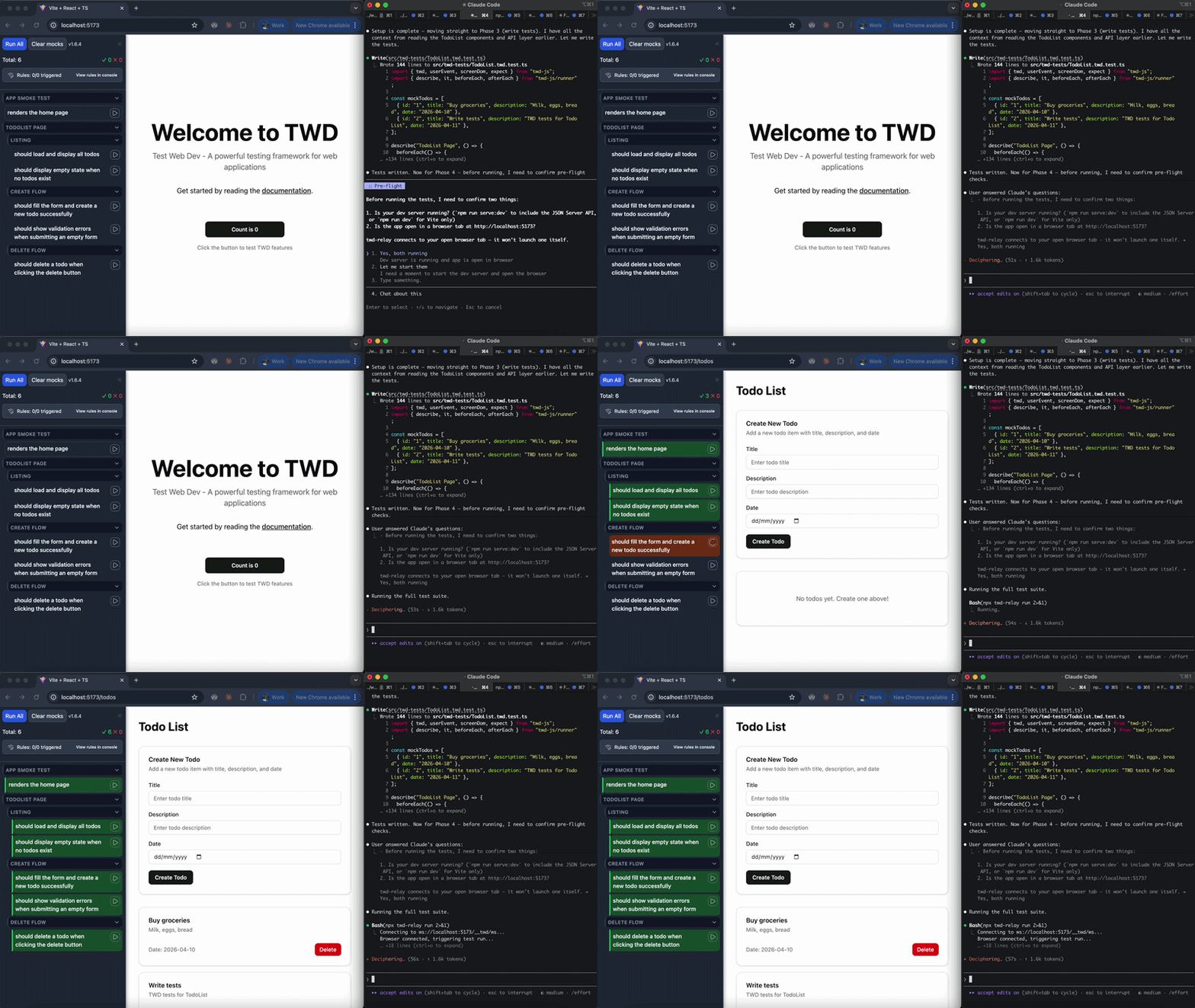
When you want it
The agent loop runs with twd-cli: a headless browser against your dev server, so nobody has to keep a tab open and several agents can work in parallel. That is the default, and it stays the default.
twd-relay is for the moments a human wants to watch. It connects the agent to the tab you are looking at, so the sidebar lights up as each test runs. The trade-off: the tab has to stay open and in the foreground while the run lasts.
To review what an agent built after the fact, record the tests instead — a clip per test lands on the pull request, with nobody watching live.
Quick start
npm install --save-dev twd-relay// vite.config.ts
import { defineConfig } from 'vite'
import { twd } from 'twd-js/vite-plugin'
import { twdRemote } from 'twd-relay/vite'
export default defineConfig({
plugins: [
twd(), // sidebar + test discovery
twdRemote(), // relay endpoint + auto-injected browser client
],
})Start npm run dev, open the app, and ask your agent to "run the tests with twd-relay so I can watch". Or trigger a run yourself:
npx twd-relay runWhere to next
- Get started with AI agents →Install the skills and let your agent write, run and fix tests headlessly.
- Record instead of watching →One clip per test on the pull request, reviewed whenever you have a minute.
- Full relay setup and recovery docs →Non-Vite setup, throttled tabs, stuck runs and the message protocol.