Frontend tests thatrun in the browseryou develop in.
A sidebar in your dev server runs component and flow tests against your real app. Your AI agent can drive the same loop, and every mock gets checked against the real API before you merge.
npm install twd-jsOpen source under the MIT license.
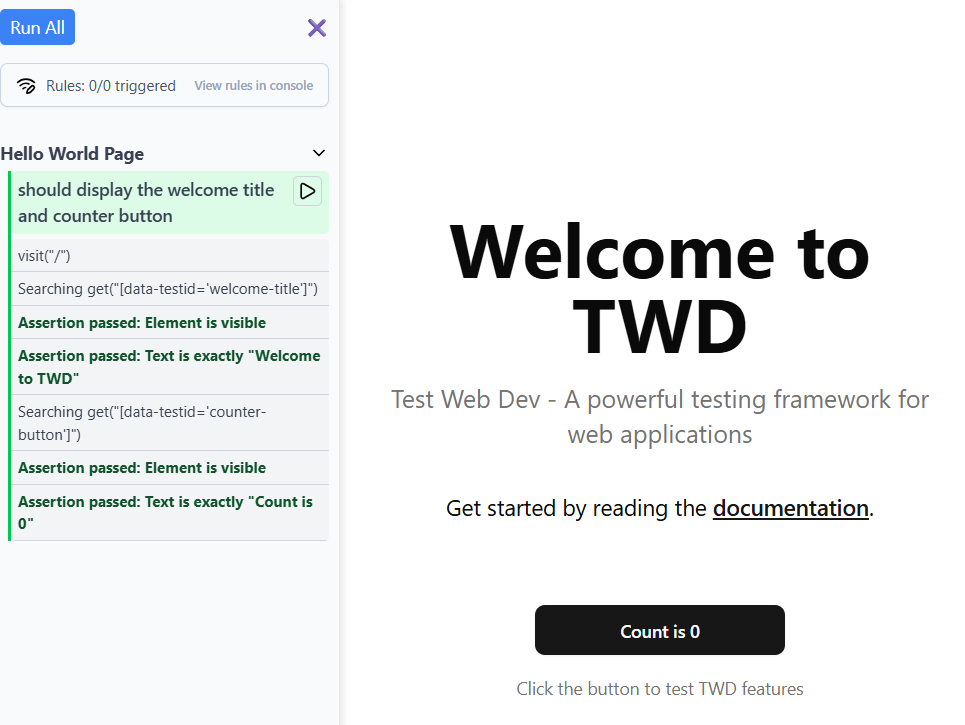
Up and running in three steps
Let your AI agent set TWD up and write the first tests, or do it by hand. Either way it is one package and one plugin, with no second browser to keep open.
Works with React, Vue, Angular, Solid, Astro, Nuxt, HTMX and vanilla JS, on Vite, Webpack or a CDN.
Install the plugin
terminalclaude plugin marketplace add BRIKEV/twd-ai claude plugin install twd@twd-aiSet up your project
claude code/twd:setupDetects your stack, installs twd-js and twd-cli, and wires the Vite plugin.
Ask for tests
terminalnpm run devyour agentWrite tests for the checkout pageThe agent writes the tests, runs them headlessly with twd-cli against your dev server, fixes what fails and re-runs until green.
Your agent writes the tests. TWD makes them run.
The agent writes a test, runs it headlessly against your real app with twd-cli, reads the failure, fixes it and re-runs until green. Results come back as structured text, not screenshots, so the loop stays cheap in tokens, and nobody has to keep a browser tab open. Want to watch it anyway? Add twd-relay and it runs in your own tab.
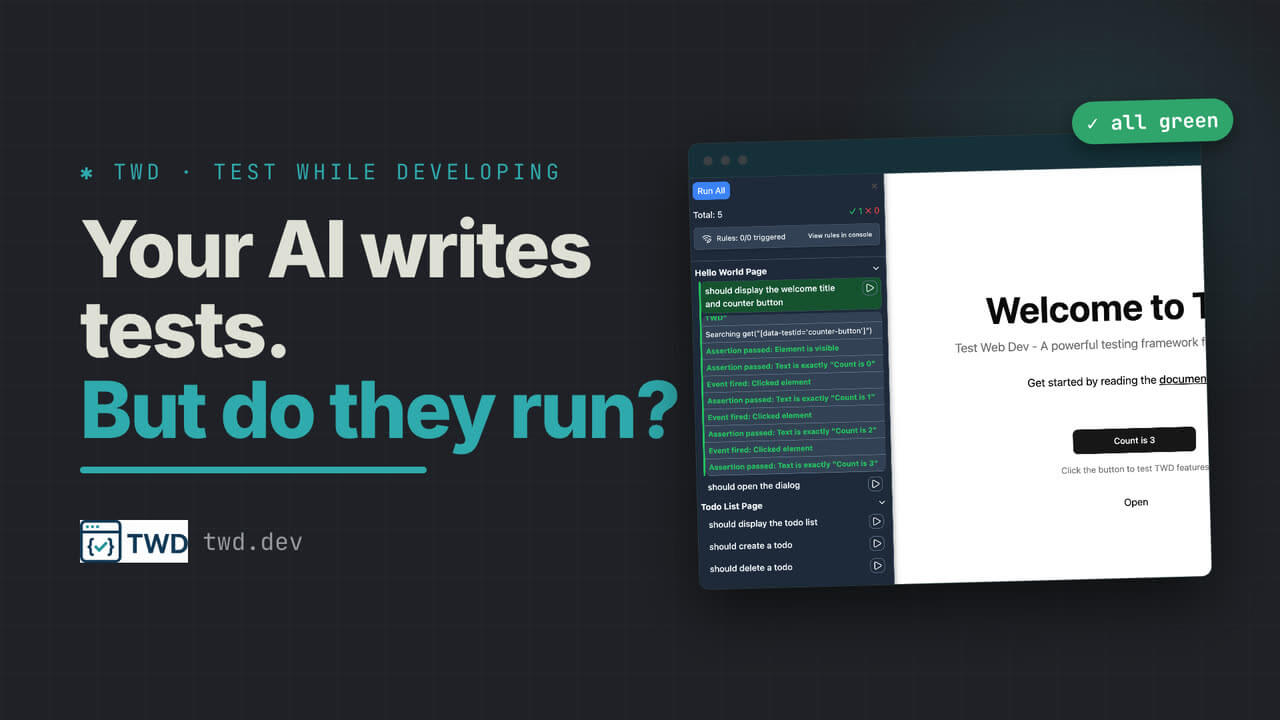
Five green PRs today. What do they look like?
The diff and the test both tell you what the agent thinks it built. Neither shows what the person using the app will see. Put a record label on the pull request, and a minute later there is one video per test the branch added.
kevinccbsg added the record label 3 minutes ago
Review with your eyes. Four clips take a minute to watch and tell you more than the whole diff. That is cheaper than asking a second agent to summarise what the first one did.
No extra tokens. The recording comes out of your CI, not out of a model. Nothing gets summarised and nothing gets re-read.
Deterministic. The same run that turned the check green produced the video. Change the behaviour and the video changes, or the test fails and there is no video. It cannot drift from the code.
Bringing TWD to your team?
TWD is open source and stays that way. If you would rather not do the adoption work alone, book a working session with the maintainer. We set TWD up in your repo, wire the agent loop and the record job into your CI, and leave you with tests your team wrote together.
MIT licensed. Free for companies, with no paid tier.
Questions
What does TWD cost?
Nothing. twd-js, twd-relay, twd-cli and the twd-ai plugin are MIT licensed and free to use, for individuals and for companies, with no paid tier and no usage limits. If your team wants a hand adopting it, book a session above.
How is this different from Playwright or Cypress?
TWD validates your frontend UI logic with mocked boundaries. Playwright and Cypress validate that your systems work together end to end. They complement each other: TWD for fast deterministic feedback while you develop, end-to-end tests for full integration in CI.
How is this different from Vitest Browser Mode?
Vitest Browser Mode mounts your component in a purpose-built harness page. TWD runs inside your actual dev server, so both styles are available: drive the whole app through its real routes, or call Testing Library render() to mount a single component. Either way the providers, router and network around it are the real ones, and both run in the same session under one coverage report.
Do I have to drop my Vitest tests?
No. Pure functions, reducers, formatters and hooks tested in isolation are fine in jsdom, and moving them buys you nothing. The ones worth moving are the component tests where you had to mock a hook, a context or a component from your own src/ just to get the component to render, because there the stub sits between your assertion and the behaviour you meant to check.
Does this replace Testing Library?
No. TWD uses Testing Library under the hood. screenDom is a scoped wrapper around Testing Library queries, so you get the same semantic selectors. TWD adds the runner, the sidebar and the mocking layer on top.
What frameworks are supported?
Any frontend that renders in the browser: SPAs like React, Vue, Angular and Solid; hydrated SSR like React Router and Nuxt; Astro islands; and no-build projects like HTMX and vanilla JS via a CDN. On Vite, Webpack, or no bundler at all. The one setup TWD does not target is where the server owns rendering, as with React Server Components in the Next.js App Router, since there is no explicit browser boundary to test there yet.
Can AI actually write good tests?
The twd-ai plugin does more than generate test files. It runs them, reads real failures, fixes them, checks quality and finds gaps. The tests execute in a real browser against your real app, so a pass means something. twd-cli runs them headlessly and prints one structured summary rather than screenshots or DOM snapshots, which keeps token usage well below tools like Playwright MCP.
How does the record label work?
It is a GitHub Action that ships with twd-cli. Put a record label on a pull request and a job records the tests that branch added or changed, one clip per test, then uploads them as an artifact your workflow links from a comment. It runs as a separate job from the one that gates the pull request, so a recording can never cost you the run that matters.
Does TWD code ship to production?
No. All TWD imports are guarded by import.meta.env.DEV. Nothing reaches your production bundle.
Testing isn't a phase. It's how you build.
Read the manifesto on testing philosophynpm install twd-js
Recording: 4 clips, one per test this branch added. Download the artifact (opens the real pull request on GitHub in a new tab) and unzip.