Get started with AI agents
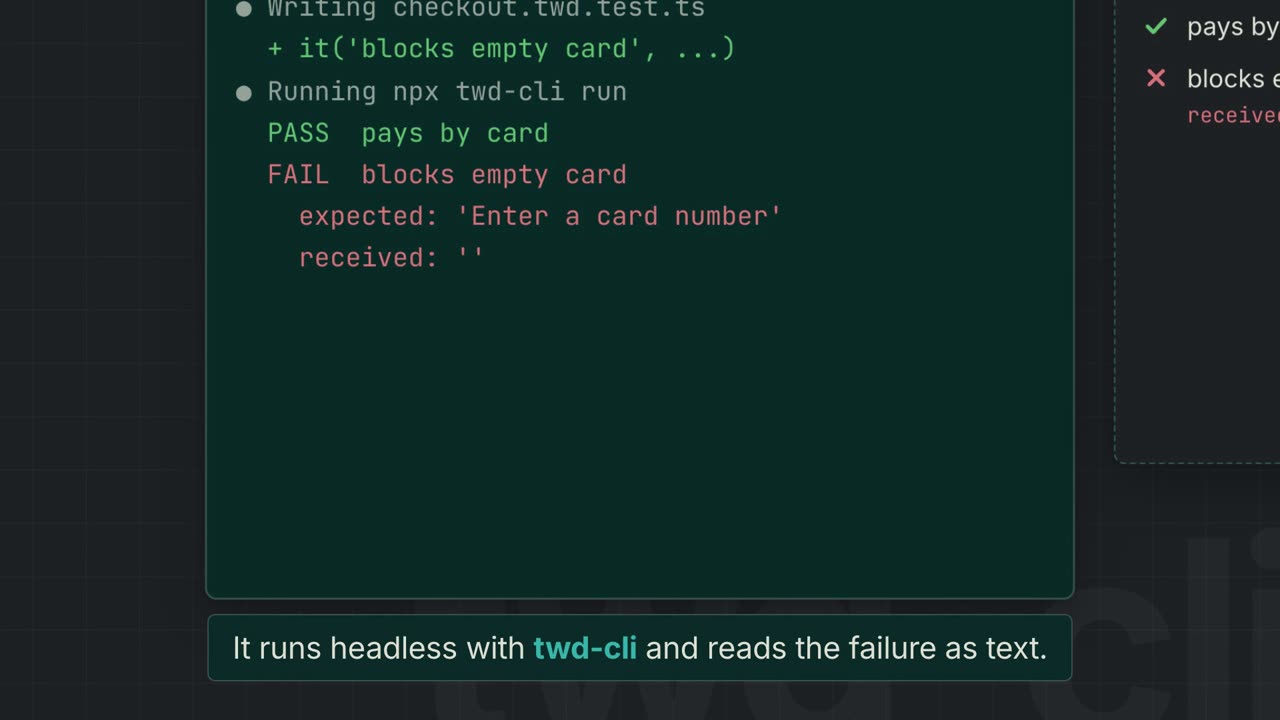
Your agent writes the test, runs it headlessly against your dev server with twd-cli, reads the failure, fixes it and re-runs until green. Results come back as structured text, not screenshots, so the loop stays cheap in tokens. Nothing for you to open, focus or watch.
1. Install the skills
claude plugin marketplace add BRIKEV/twd-ai
claude plugin install twd@twd-ai# Cursor, Copilot, Windsurf, Codex and anything that reads Agent Skills
npx skills add BRIKEV/twd-aiClaude Code gets the full plugin: slash commands plus the twd skill it invokes on its own. Other agents get the same skills through the Agent Skills CLI.
2. Set up your project
/twd:setupIt detects your framework, dev server and state libraries, asks what it can't detect (auth, third-party modules to mock), then installs twd-js and twd-cli, wires the Vite plugin, writes twd.config.json and a test:ci script, and generates .claude/twd-patterns.md — the file every future test is written against. What setup does in detail
3. Start your dev server and ask for tests
npm run devThen, in your agent:
Write tests for the checkout pageThe agent checks your dev server is up, writes flow tests, runs the new file with npx twd-cli run --test "…", fixes what fails, checks everything your branch changed, and closes with a full-suite run. How the loop works
4. Put it in CI
/twd:ci-setupGenerates a GitHub Actions workflow that runs the same twd-cli your agent used, with optional coverage, contract validation and a record label: tag a pull request and get one video per test the branch added. CI setup
Everything the plugin gives you
| Command / skill | What it does |
|---|---|
/twd:setup | Configures TWD for your project and generates .claude/twd-patterns.md |
twd skill | Writes tests, runs them headlessly with twd-cli, fixes failures, re-runs until green |
/twd:ci-setup | GitHub Actions workflow, coverage, contract validation, PR recordings |
/twd:test-gaps | Finds untested pages and ranks them by risk |
/twd:test-quality | Grades test files and suggests how to improve them |
/twd:test-flow-gallery | Turns tests into Mermaid flowcharts and plain-language summaries |
Want to watch the agent work?
Headless is the default so the agent can run tests while you keep working — on other code, or alongside more agents. If you do want to see the tests run inside your own browser tab while the agent drives them, add twd-relay.
No skills support?
Paste the TWD context prompt into your tool's rules file instead. It teaches any assistant the TWD API, patterns and pitfalls.