Project Setup
Now that AI is generating a big portion of our frontend code, speed is no longer the main bottleneck.
Confidence is.
We've seen this before: when teams wanted to move fast, the real enabler wasn't "more code" — it was having a solid testing strategy that allowed safe refactoring and iteration.
That hasn't changed. If anything, it's more important now.
Test what you own. Mock what you don't.
With this mindset, TWD (Test While Developing) lets you create deterministic UI tests, where you fully control the environment, simulate any scenario, and avoid flaky behavior.
The Problem: AI Doesn't Know Your Project
AI can write tests... but not your tests.
It doesn't know:
- How your project is structured
- What should be mocked
- How your auth works
- What "good tests" look like in your codebase
So even if it generates tests, they often:
- Don't follow your patterns
- Mock the wrong things
- Miss important flows
The Solution: TWD + Skills
To solve this, we introduced TWD skills inside a Claude Code plugin.
These skills give the AI:
- Context about your project
- Rules to follow
- Patterns to reuse
So instead of generic tests, you get tests that actually fit your codebase.
/twd:setup — The Most Important First Step
Everything starts here:
/twd:setupThis is an interactive setup that analyzes your project and creates a project-specific testing configuration file:
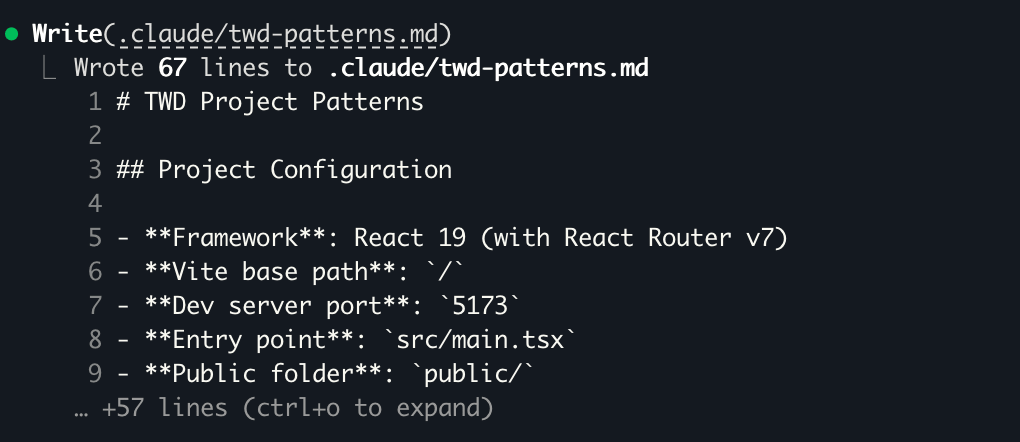
.claude/twd-patterns.mdThis file becomes the source of truth for how tests should be written in your project.
What It Does
- Detects your framework, Vite config, entry points, CSS setup
- Asks about:
- Auth & permissions
- API structure
- Third-party dependencies
- State management
- Generates a project-specific testing config
- Optionally installs and configures TWD for you
How It Looks in Practice
You just run /twd:setup and the agent starts understanding your project:
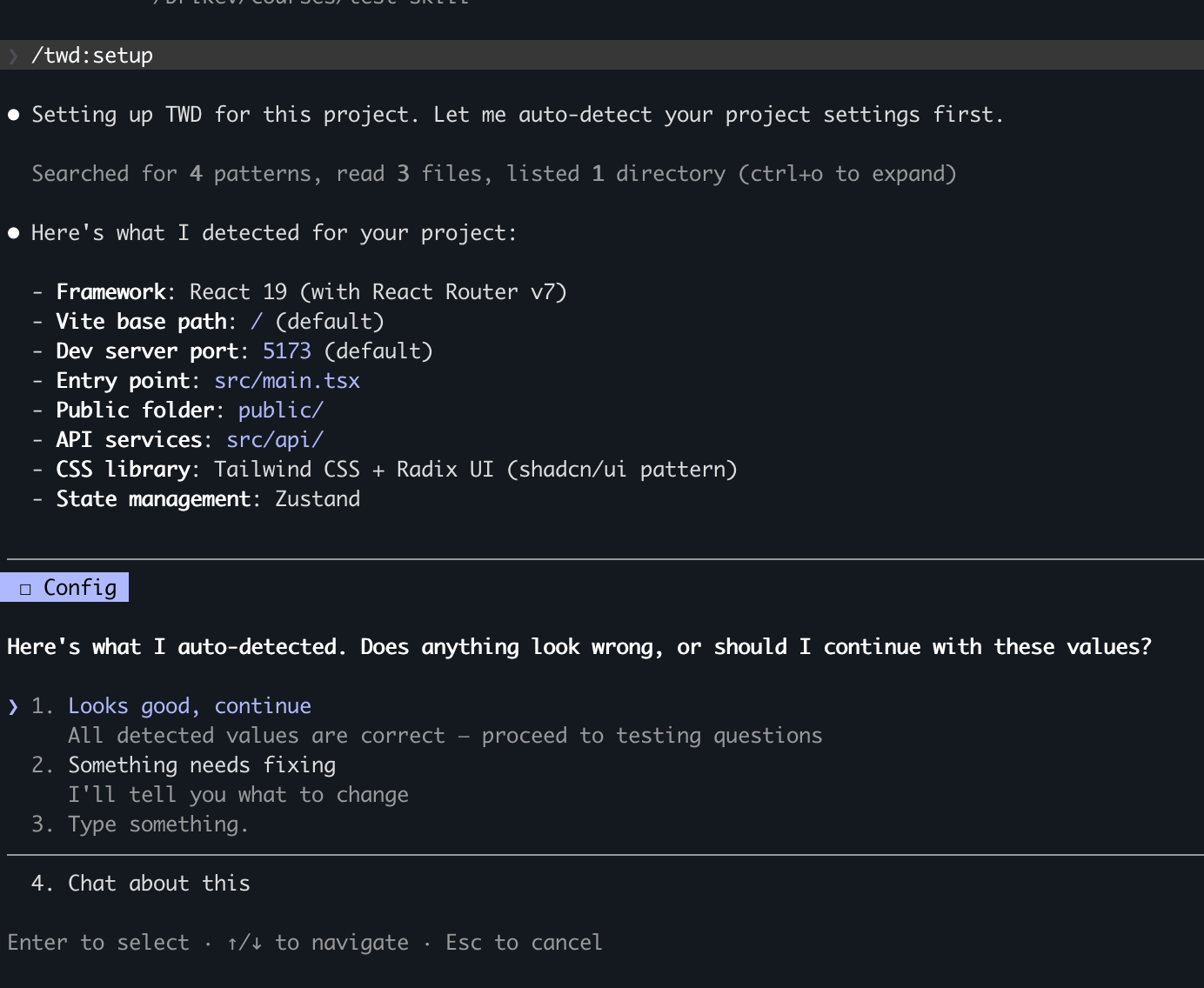
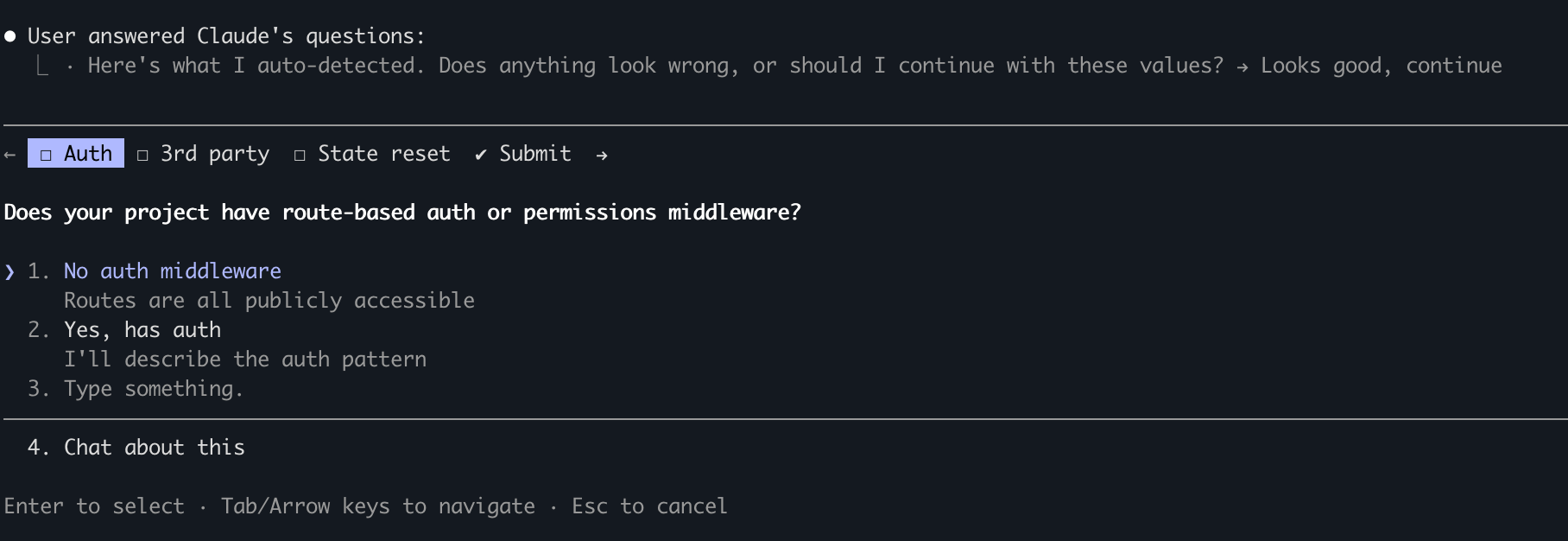
It will ask the right questions to understand how your app works and detect your frontend configuration — what should be mocked, how auth behaves, where your services live:
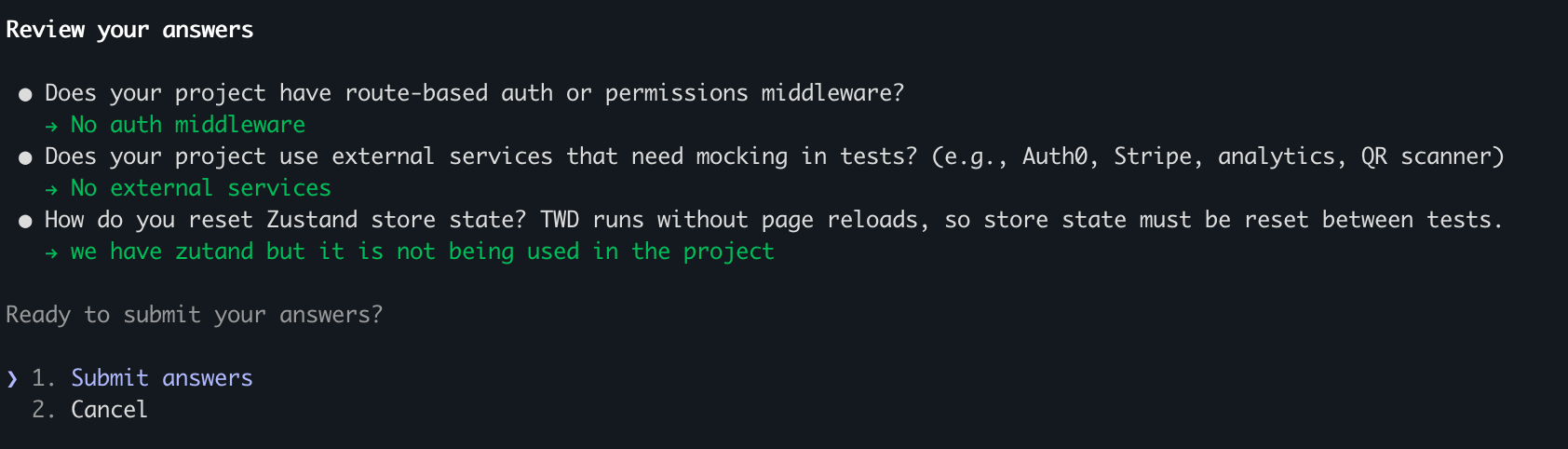
Then it reviews your answers before generating the config:
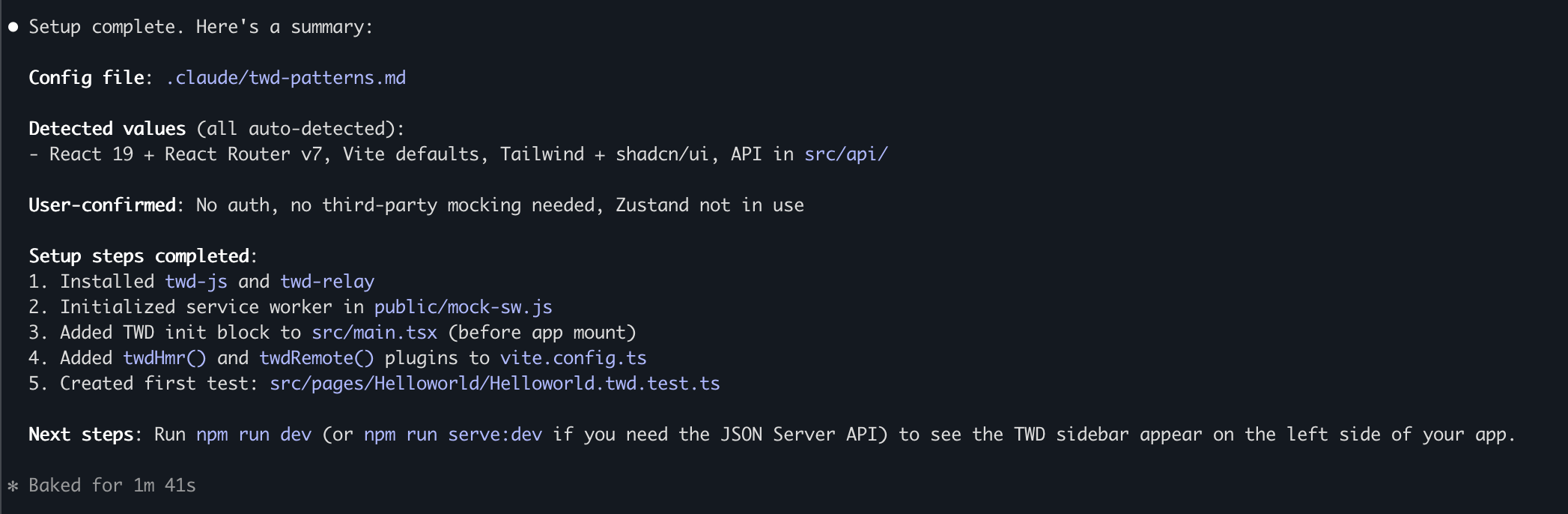
Once completed, it generates your config file .claude/twd-patterns.md:
It also installs TWD and creates a default test file to verify everything works:

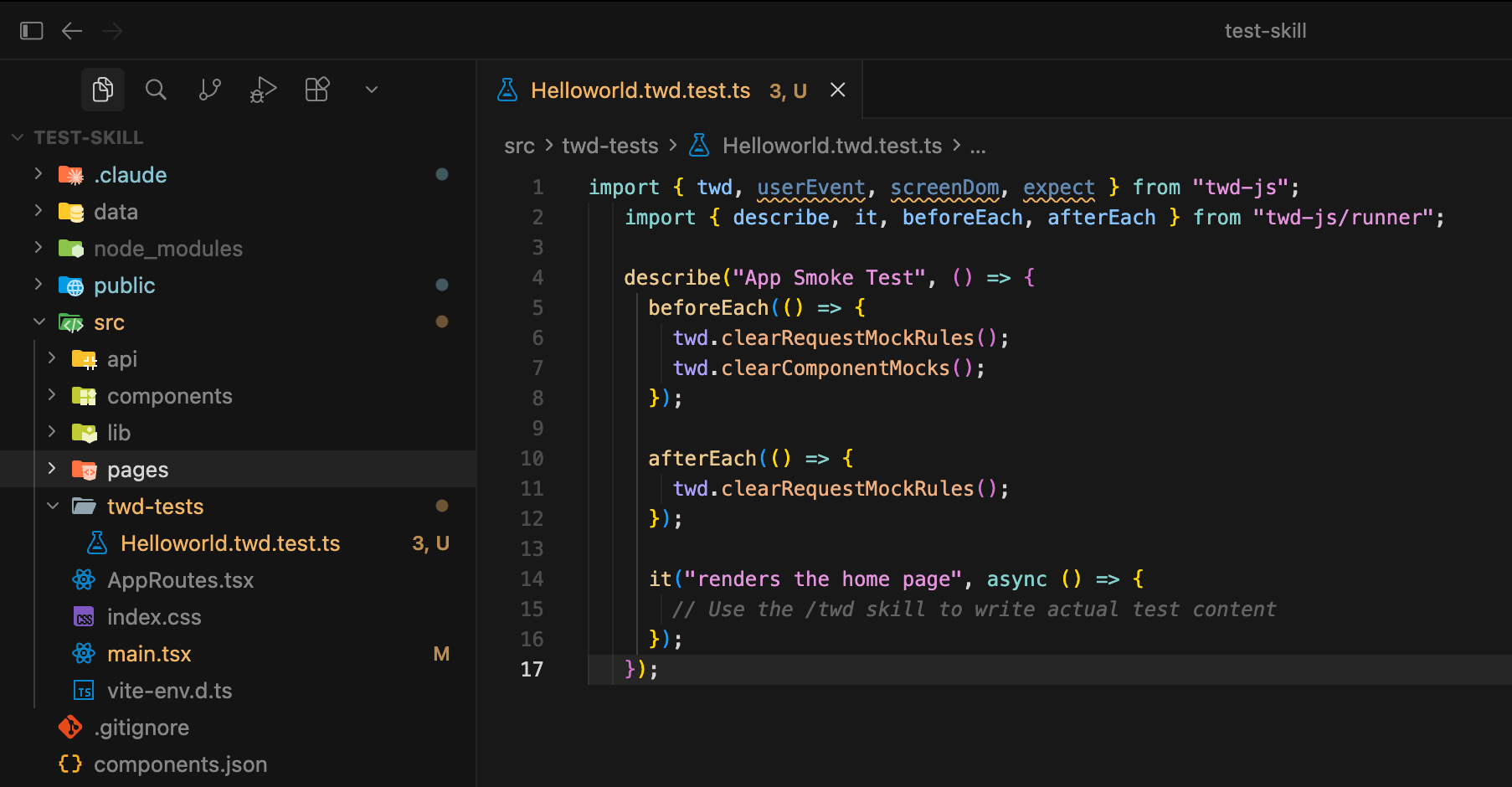
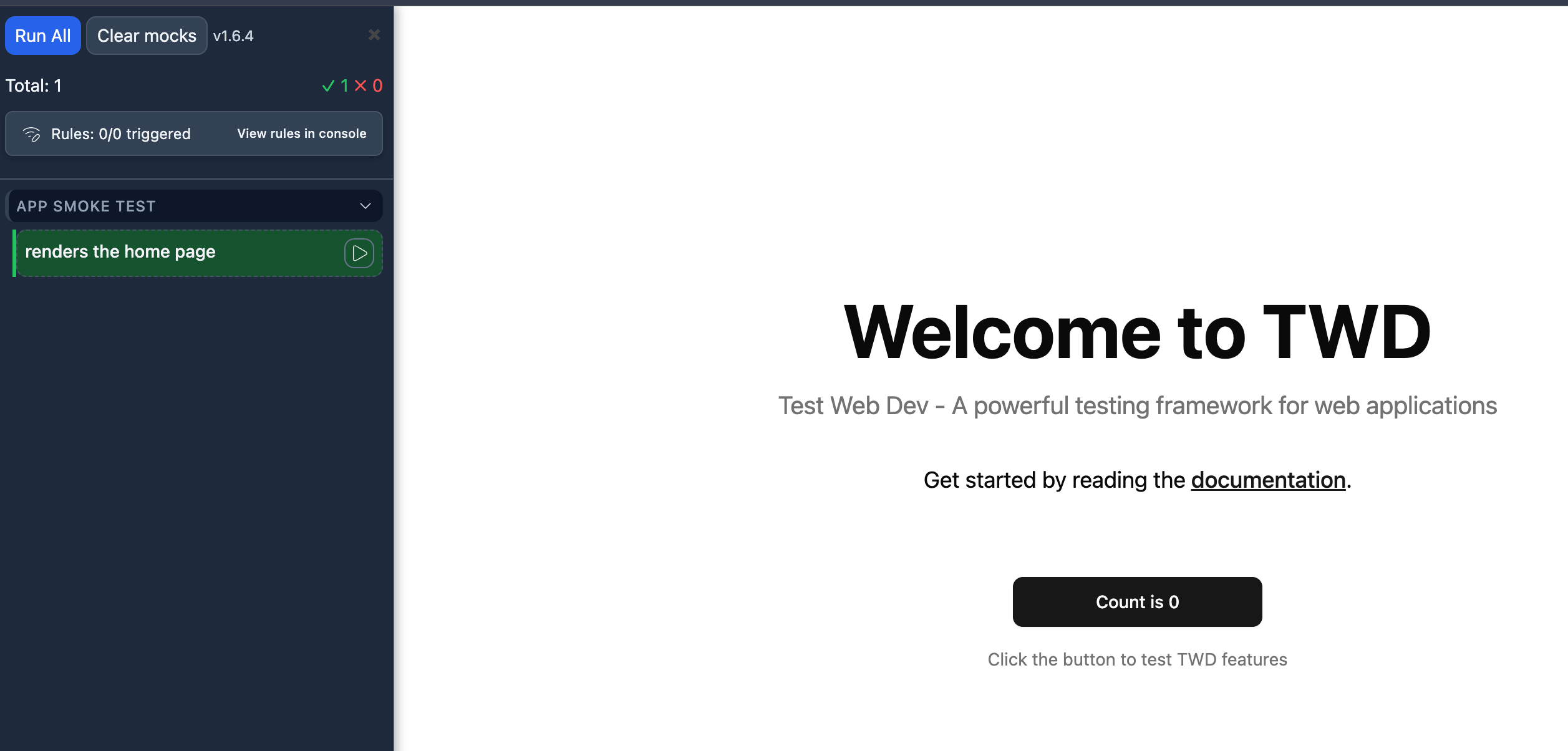
This is critical — every future test the AI writes uses this config as context.
And when it's done, it guides you to the next step:
Why This Matters
Without this step, AI-generated tests are:
- Generic
- Inconsistent
- Sometimes useless
With /twd:setup, tests become aligned with your architecture.
What's Next
Now that your project is configured, it's time to write your first tests with the AI agent.