Test Flow Gallery
The /twd:test-flow-gallery skill turns your TWD test files into visual flowcharts with business-friendly summaries. It's a great tool for onboarding new team members, giving product teams visibility into what's being tested, and helping QA understand test coverage at a glance.
Running the Skill
plaintext
/twd:test-flow-galleryThe skill reads each of your TWD test files and generates Mermaid flowcharts — one per test case — with 2-4 sentence summaries written in business language rather than technical jargon.
What It Generates
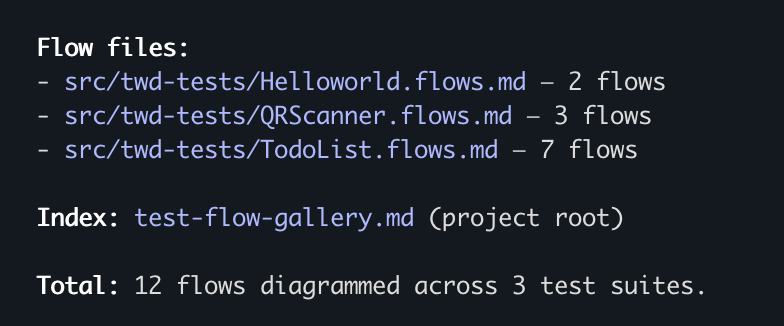
For each test file, the skill creates a colocated .flows.md file with:
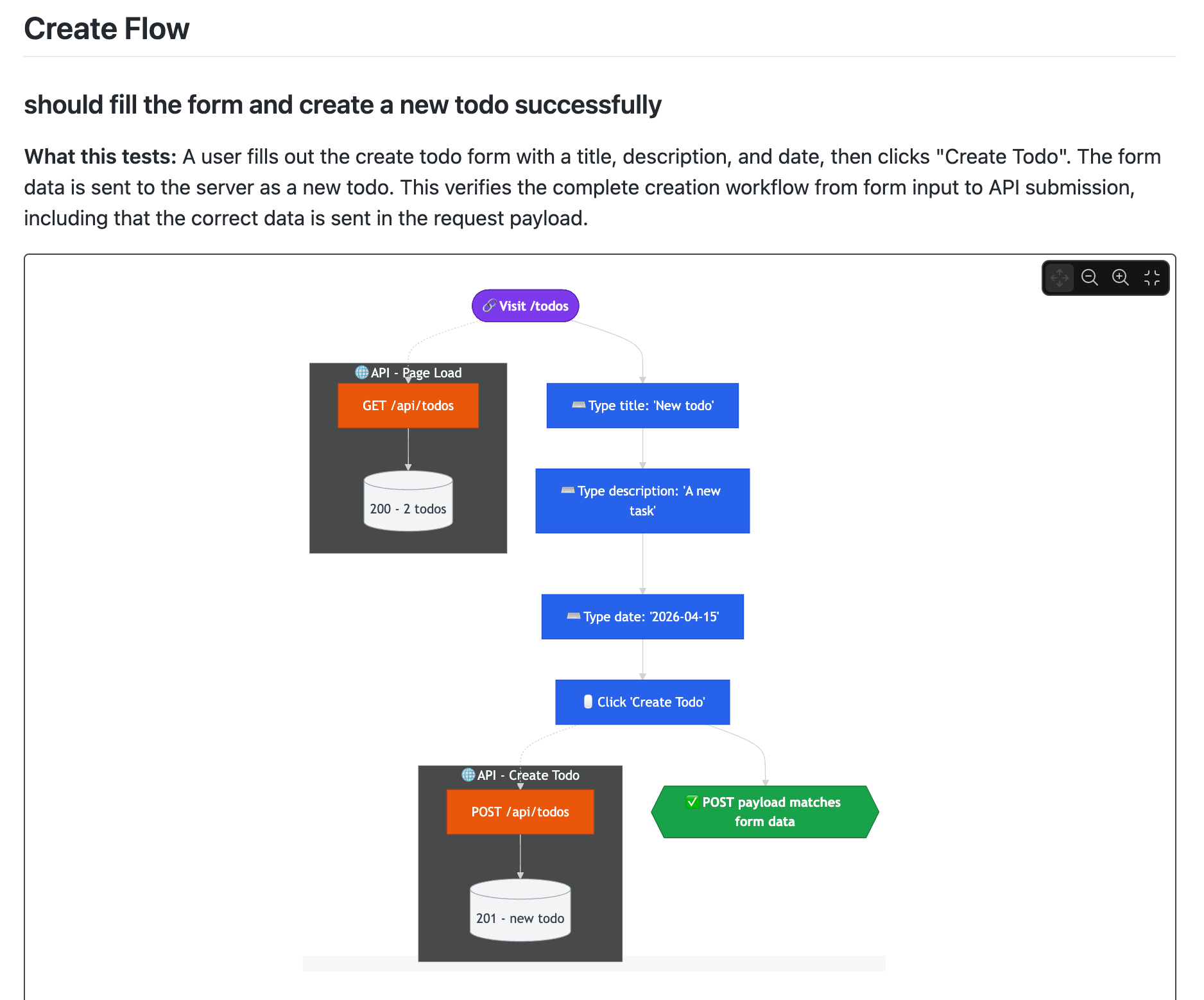
- Mermaid flowcharts for each test case — user actions shown as blue rectangles, assertions as green hexagons, API calls as separate subgraphs
- Business-friendly summaries — describing what the test verifies in plain language
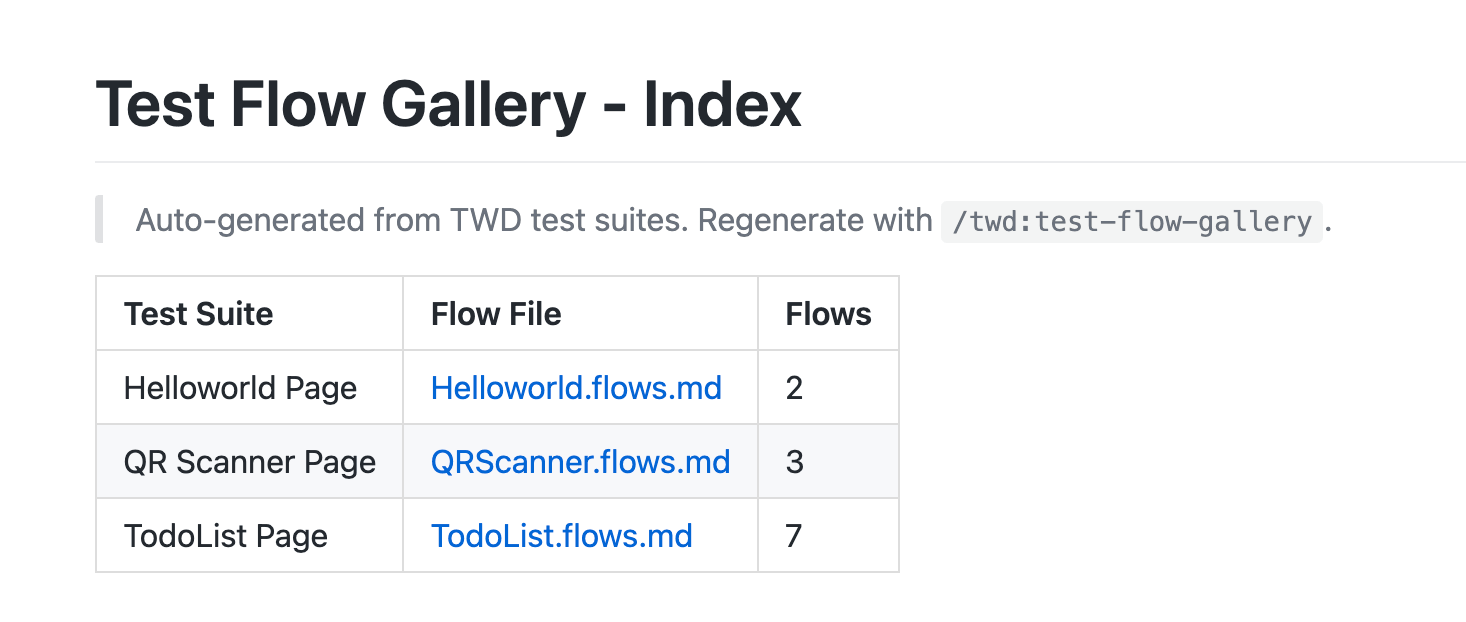
- A root-level index for quick navigation across all test suites
Who Benefits
- New developers — Understand existing test coverage without reading test code
- Product teams — See which user journeys are covered
- QA — Identify what's tested and what's not, in visual form
That's the Full TWD + AI Workflow
You've now seen the complete journey:
- Project Setup — Configure your project with
/twd:setup - Writing Tests — Write and run tests with
/twd - CI Setup — Automate test runs with
/twd:ci-setup - Test Gap Analysis — Find what's missing with
/twd:test-gaps - Test Quality — Grade your tests with
/twd:test-quality - Test Flow Gallery — Visualize your tests with
/twd:test-flow-gallery
Each skill builds on the previous one. Start with setup, and you'll have a complete, AI-driven testing workflow in no time.